
Clearleaf
A free, no-frills Markdown viewer for Windows. Open a .md file and read it the way it's meant to look: clean text, proper tables, highlighted code, diagrams and maths.
Get it from the Microsoft Store
Runs on Windows 10 (version 1809 or later) and Windows 11.
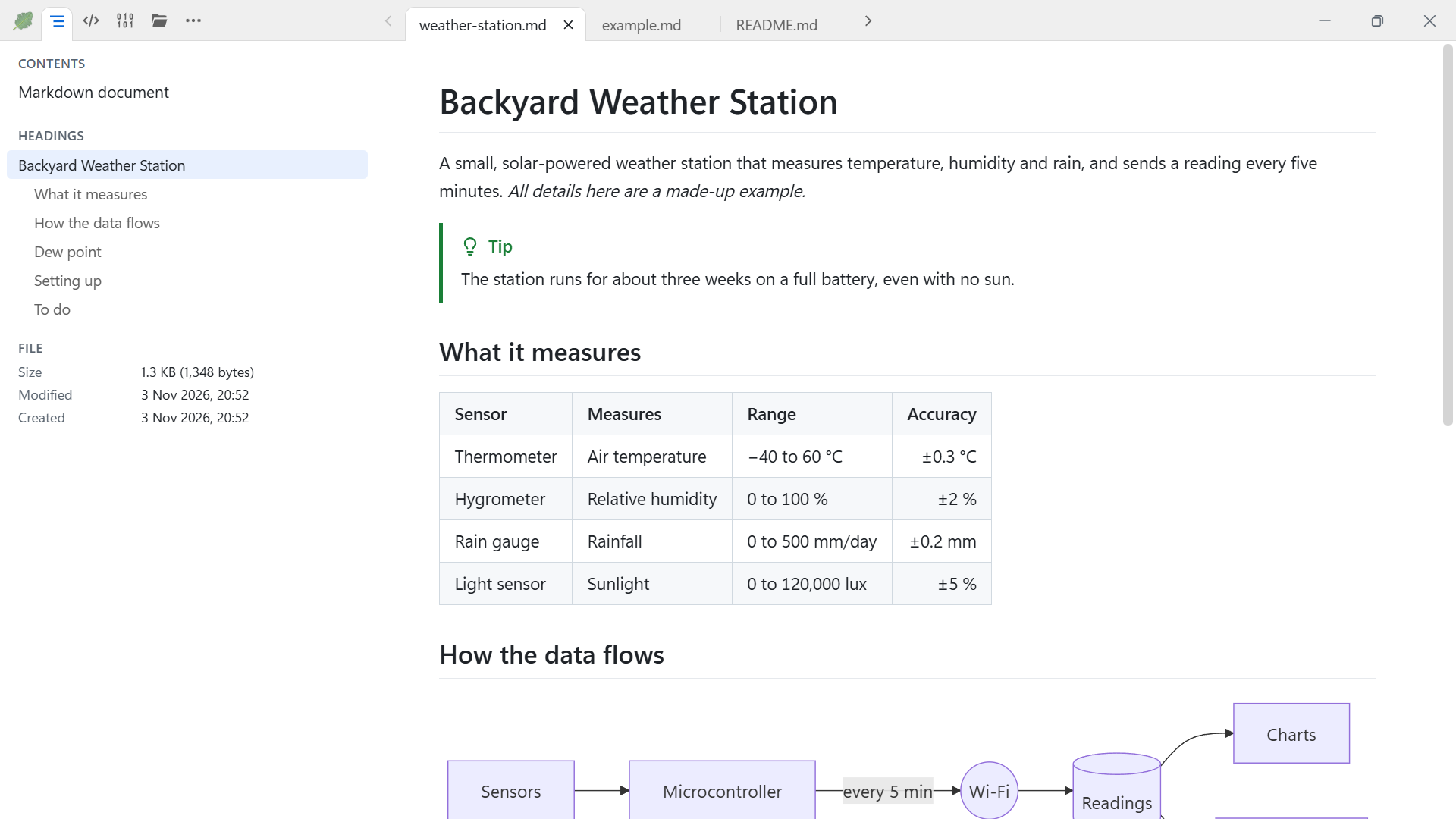
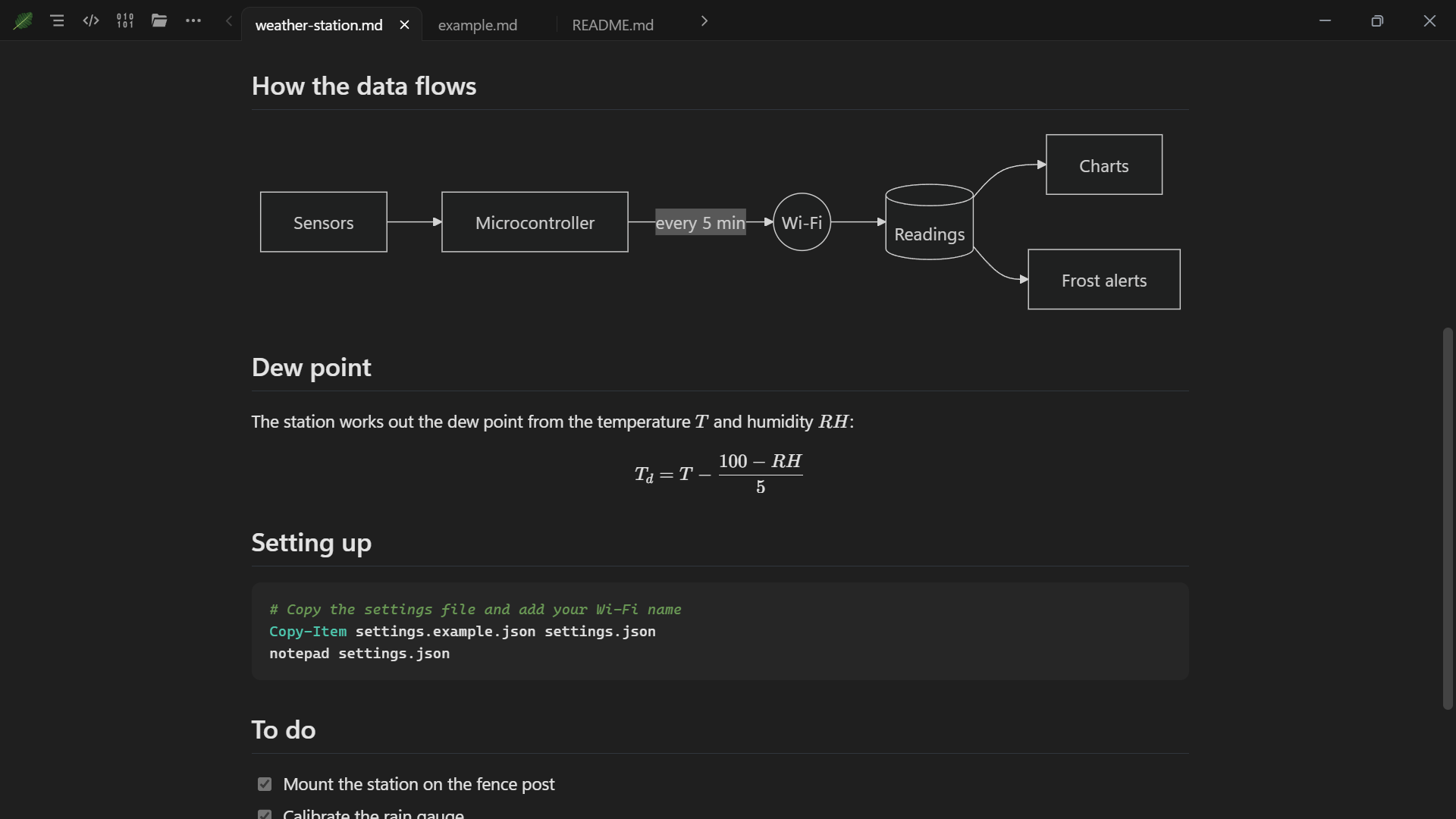
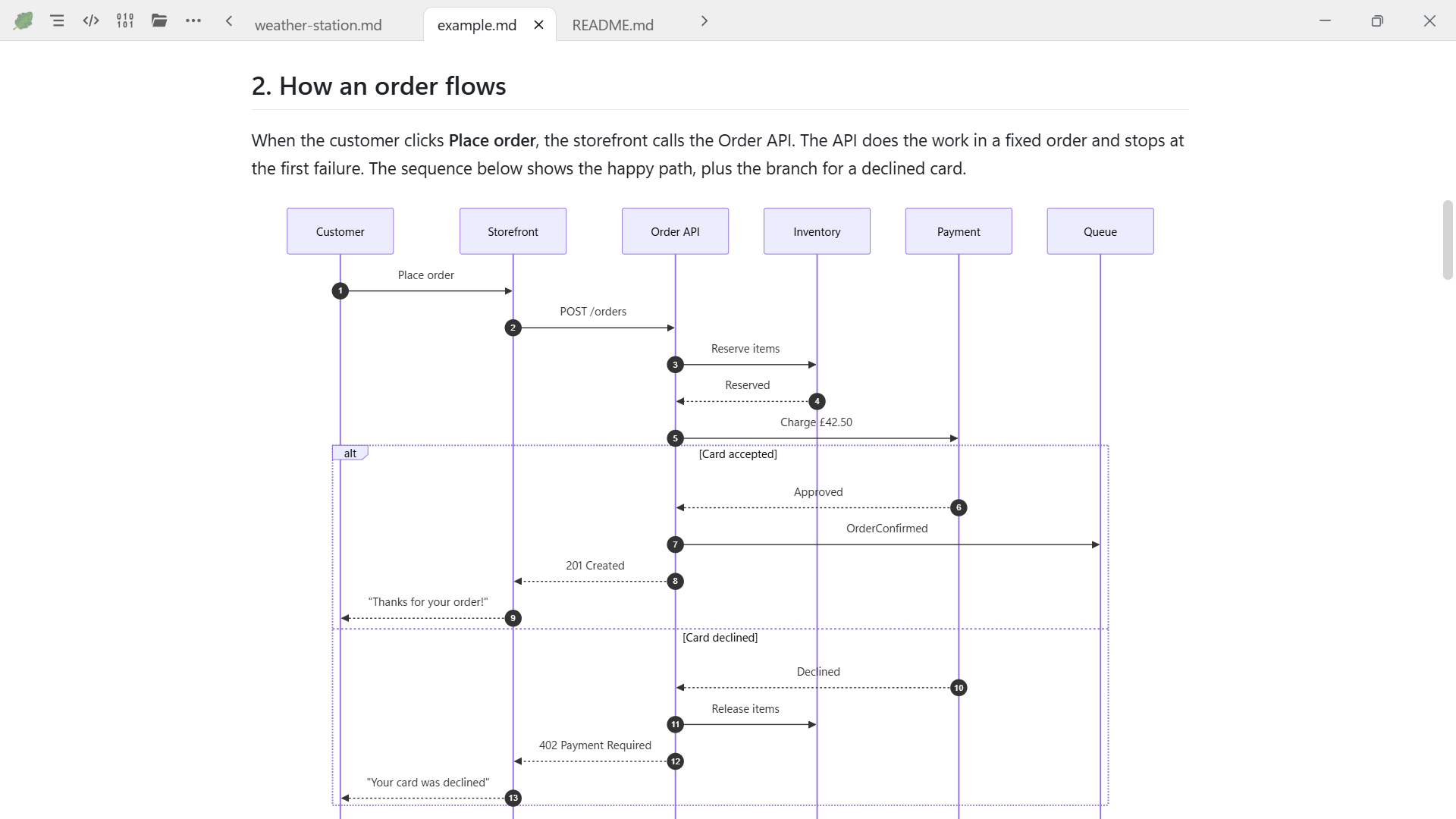
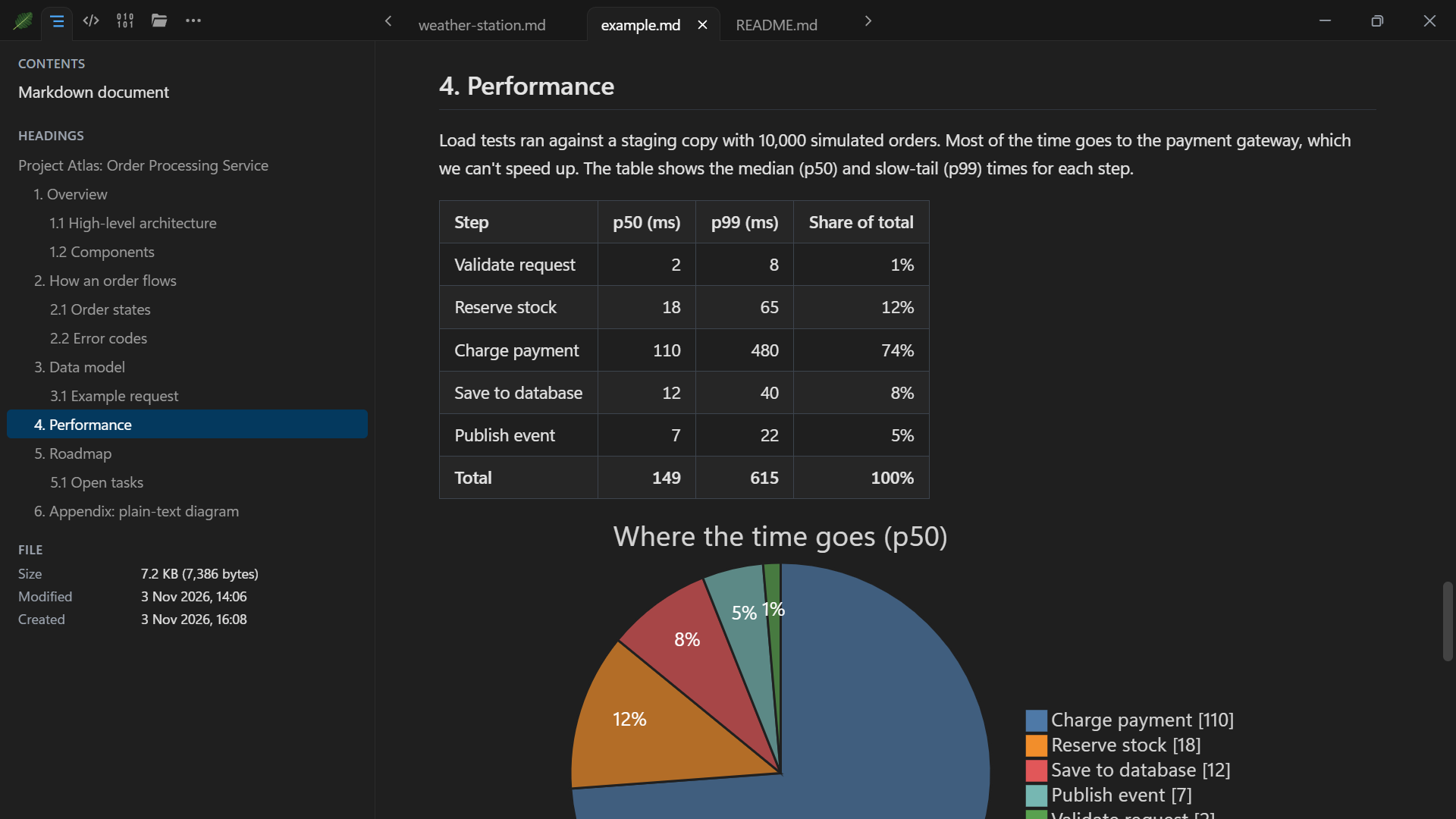
Reading Markdown
- Open files straight from File Explorer or the Open dialog, drag them in, or pick from your recent files.
- Each file opens in its own tab. Drag tabs to reorder them, and Clearleaf picks up where you left off, down to your place in each file.
- A side pane shows a table of contents: click a heading to jump straight to it.
- Tables, task lists, footnotes and GitHub-style note boxes.
- Mermaid diagrams: flowcharts, sequence diagrams, pie charts, timelines and more.
- Maths, using KaTeX, and syntax-highlighted code.
- Switch between three views: Contents, Code (such as the Markdown source) and Binary (a hex view of the file's bytes).
More than Markdown
Clearleaf also opens the files that sit alongside your notes: text and log files, code, CSV tables, pictures, Mermaid diagrams and HTML files. See the full list of supported formats.
- Log files open at their newest lines and follow along as they grow.
- HTML files open in a locked-down view, with no scripts and nothing loaded from the internet.
- Picture details: size, camera settings, and when and where the photo was taken.
- Click a picture to open it in its own tab, copy it (or part of it) or drag it out. You can copy text too.
Handy extras
- Full screen, zoom up to 500%, find text, print and save as PDF.
- Refreshes automatically when a file is saved by another program.
- Can open when you sign in to Windows, if you choose.
- In ten languages, following Windows, with a right-to-left layout for Arabic.
- Light and dark themes that follow Windows.
Private and safe by design
- Works entirely offline. It's standalone, with nothing else to install, and never loads or runs anything from the internet.
- Only your own files. It opens files stored on your PC, not files on network drives or shared folders.
- Read-only. It never changes, moves or deletes your files, and nothing in a document can run.
- Nothing to sign up for. No adverts, no in-app purchases, no subscriptions and no account or sign-in.
- No data collection. Clearleaf collects no data and doesn't share data with other apps. Read the Clearleaf privacy statement.
Why I made it
I was struggling to find a standalone Markdown viewer that worked. There were several good ones built into other apps, but I didn't want to jump through hoops just to view a Markdown file.
That's how Clearleaf came about. After I got Markdown viewing working well, I decided the app should do more, so now it opens other simple files too. It's a pet project, made by just me and still under active development.
Support and feedback
Email support@sidhowlop.com for help, bug reports and ideas.
- Found a bug? Please describe what happened in detail, optionally with a screenshot and, if you're happy to share it, the file being viewed.
- Missing something? If there's another simple file format you'd like Clearleaf to support, or a feature you think would be a good addition, let me know.
- Enjoying it? I'd be grateful for a positive review in the Microsoft Store.
Supported file formats
Clearleaf opens the file formats below. Any file can also be shown in the Binary view.
| Format | File extensions and names |
|---|---|
| Markdown | .md, .markdown, .mdown, .mkd, .mkdn, .mdwn, .mdtxt, .mdtext |
| HTML (locked down) | .html, .htm, .xhtml |
| Plain text | .txt |
| Log file (opens at the newest lines) | .log |
| CSV or TSV table | .csv, .tsv |
| Mermaid diagram | .mmd, .mermaid |
| Picture | .png, .jpg, .jpeg, .gif, .webp, .svg, .bmp, .ico, .avif |
| JSON | .json, .jsonc, .json5, .geojson, .webmanifest, .ipynb |
| XML | .xml, .xsd, .xsl, .xslt, .xaml, .csproj, .vbproj, .fsproj, .props, .targets, .config, .resx, .plist, .rss, .atom |
| YAML | .yaml, .yml |
| INI and config | .ini, .cfg, .conf, .toml, .editorconfig, .gitconfig, .inf, .reg, .env, .iss |
| Properties | .properties |
| PowerShell | .ps1, .psm1, .psd1 |
| Batch | .bat, .cmd |
| Shell script | .sh, .bash, .zsh, .ksh |
| Python | .py, .pyw |
| JavaScript | .js, .mjs, .cjs, .jsx |
| TypeScript | .ts, .tsx, .mts, .cts |
| C# | .cs, .csx |
| F# | .fs, .fsx, .fsi |
| Visual Basic | .vb |
| Java | .java |
| Kotlin | .kt, .kts |
| Go | .go |
| Rust | .rs |
| C | .c |
| C++ | .cpp, .cc, .cxx, .h, .hpp, .hh, .hxx |
| Objective-C | .m, .mm |
| PHP | .php |
| Ruby | .rb |
| Perl | .pl, .pm |
| Lua | .lua |
| R | .r |
| Swift | .swift |
| Scala | .scala |
| Dart | .dart |
| Haskell | .hs |
| Elixir | .ex, .exs |
| Groovy | .groovy, .gradle |
| SQL | .sql |
| CSS | .css |
| SCSS | .scss |
| Less | .less |
| GraphQL | .graphql, .gql |
| Diff | .diff, .patch |
| Makefile | .mk, .mak, Makefile, GNUmakefile |
| CMake | .cmake, CMakeLists.txt |
| Protocol Buffers | .proto |
| LaTeX | .tex, .sty |
| HTTP | .http |
| WebAssembly text | .wat |
| Dockerfile | Dockerfile |
| Any other file | Shown as plain text, or in the Binary view |
Older text files that aren't Unicode are read using the encoding that goes with the language Windows uses: for example, Windows-1251 when Windows is in Russian, or Shift-JIS when it's in Japanese.
© 2026 Sid Howlop